Key takeaways
- Business process integration connects enterprise systems like ERP, CRM, HR, and finance so a single process can run across them without manual re-keying.
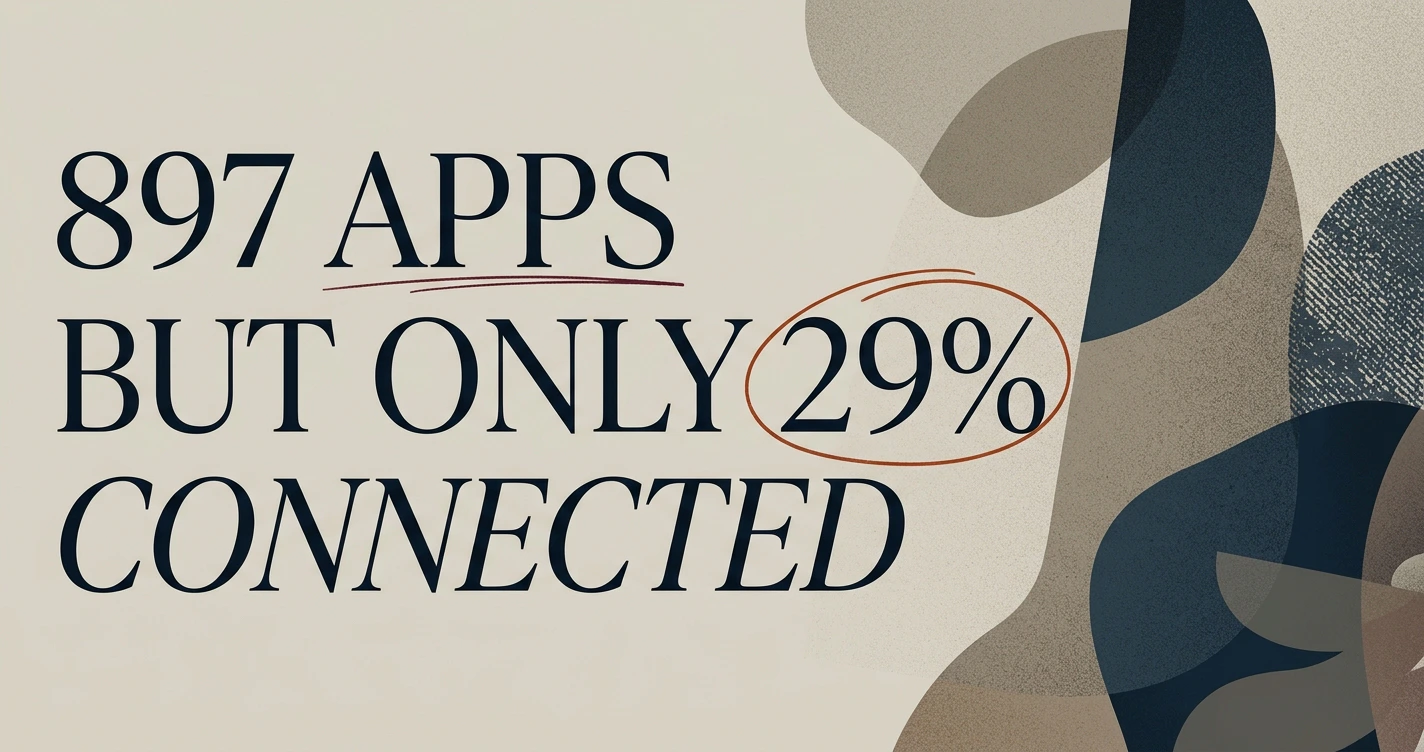
- Organizations run 897 applications on average, yet only 29% are connected, which is why cross-department work stalls.
- Integration succeeds when governance and approvals travel with the process instead of being bolted on afterward.
- Data silos are an organizational problem as much as a technical one, so integration has to respect ownership and access rules.
- A unified operating picture lets operations leaders see and act on work across systems from one place.
Business process integration and enterprise systems come together when you connect tools like ERP, CRM, HR, and finance so a single process can run across all of them without anyone copying data by hand. Instead of a sales order living in one system, an invoice in another, and a fulfillment task in a third, the process moves through each system automatically while people stay in control of the decisions that matter.
For operations leaders at mid-size and larger companies, this is the difference between coordinating work and doing coordination work. The more systems a company adds, the more time teams spend reconciling them. This article explains what business process integration means across enterprise systems, how to connect core platforms into coordinated processes, the challenges you will hit, and how to keep governance and approvals intact along the way.

What business process integration means across enterprise systems
Business process integration is the practice of connecting enterprise systems so that an entire process, not just a single data field, runs across them as one coordinated flow. A purchase order, a new hire, or a customer refund touches several systems before it is complete. Integration makes those hand-offs happen automatically, with the right data arriving in the right system at the right step.
It helps to separate two ideas. System integration connects two applications so they can trade data. Business process integration sits a level above that: it orchestrates the sequence of steps, the approvals, and the exceptions across many systems so the process finishes correctly. One is plumbing. The other is the workflow that runs through the plumbing.
The reason this matters is scale. According to the 2025 MuleSoft Connectivity Benchmark Report published by Salesforce, organizations use 897 applications on average, yet only 29% of applications are typically connected. Every unconnected system becomes a place where work has to be moved by hand, and every manual hand-off is a chance for delay or error.
Connecting ERP, CRM, HR, and finance into coordinated processes
Most companies start integration with the systems that share the most data every day: ERP, CRM, finance, and HR. These four hold the records that nearly every cross-department process depends on, so connecting them removes the most manual effort first. A few common examples show how the coordination works in practice.
- Order to cash. A deal closed in the CRM creates an order in the ERP, which triggers an invoice in finance and a fulfillment task downstream. No one retypes the customer or the line items.
- Employee onboarding. A new hire approved in the HR system provisions accounts, sets up payroll in finance, and assigns equipment, all from a single confirmed record.
- Procure to pay. A purchase request routes for approval, becomes a purchase order in the ERP, and reconciles against the invoice in finance when goods arrive.
The common thread is that one trusted record moves through each system in sequence. For a deeper walkthrough of how these connections are built, our practical guide to business systems integration covers the patterns and trade-offs in detail.
When these processes are coordinated, the operations team stops being the glue between systems. People step in to decide and to handle exceptions, rather than to shuttle data from one screen to another.
Common enterprise integration challenges and how to solve them
Enterprise integration runs into the same obstacles at most companies: mismatched data, brittle point-to-point connections, and processes that break the moment a system changes. These are solvable, but they need a deliberate approach rather than a pile of one-off scripts.
The first challenge is data that does not agree. A customer is "Acme Inc." in the CRM and "Acme Incorporated" in finance, so systems cannot match records reliably. The fix is a shared definition of key entities, customers, products, employees, and a clear source of truth for each, so every system references the same record.
The second challenge is the integration sprawl that comes from connecting systems one pair at a time. Each point-to-point link seems simple, but the web of connections grows faster than the number of systems, and any change ripples through all of them. The same MuleSoft benchmark found that 95% of respondents struggle to integrate data across systems, and that around two-fifths (39%) of IT's team time is spent designing, building, and testing new custom integrations. That is a large share of a skilled team spent maintaining connections rather than improving them.
The third challenge is fragility. When one system is upgraded, hard-coded integrations often break. Designing around stable process definitions, rather than brittle field-to-field mappings, keeps the process working even as underlying tools evolve. Strong exception handling matters here too, so a single failed step reroutes for review instead of stalling the whole flow.

Keeping governance and approvals intact across systems
Integration should never mean removing human judgment from the places it belongs. The goal is to keep approvals exactly where policy requires them, while making those approvals part of the automated flow rather than a separate email chain. A refund above a threshold still needs a manager's sign-off; the difference is that the request routes to that manager automatically and the process waits for a decision before continuing.
This matters because an automated process that bypasses controls is a liability. Finance approvals, access grants, and data-sharing rules exist for good reasons, and a well-designed integration carries them along as the process crosses systems. Each step should record who approved what and when, so there is a clear audit trail across every system the process touched.
A few principles keep governance intact:
- Approvals follow the process. When a step requires sign-off, the flow pauses and routes to the right person, then resumes once they decide.
- Permissions are respected end to end. A user who cannot see a record in one system should not see it through an integrated view either.
- Actions are logged in one place. A single record of decisions across systems beats stitching logs together after the fact.
Human-in-the-loop approval is a core capability of the KaiMesh platform, which routes decisions to the right people and holds the process until they act. That keeps speed and control together instead of trading one for the other.
Avoiding data silos that stall cross-department processes
Data silos form when each department's system holds information that other departments cannot easily reach, which forces cross-department work to stop and wait for someone to transfer data. The MuleSoft benchmark found that 90% of IT leaders say data silos are creating business challenges in their organization. A silo is partly technical and partly organizational, so fixing it takes both a connection and an agreement about access.
The technical side is familiar: a system with no integration path keeps its data locked up. The organizational side is subtler. Even connected systems can act as silos when no one agrees on who owns a record or who is allowed to see it. Breaking a silo means connecting the system and settling the ownership question at the same time.
A practical way to reduce silos is to give teams a shared operating view built from the connected systems, so a person in finance can see the order status without logging into the CRM, and a person in operations can see the fulfillment state without opening the ERP. The underlying records stay where they live, but the process-relevant data becomes visible to everyone who needs it, within their permissions.
How KaiMesh unifies enterprise systems into one operating picture
KaiMesh connects multiple business systems into one operating picture, so operations teams can see and act on work across ERP, CRM, HR, and finance from a single place. Instead of each system running its own island of data and tasks, KaiMesh coordinates the process across them and surfaces the current state of work where people can act on it.
The platform is built around human approval workflows, which means automation handles the repetitive hand-offs while people keep control of the decisions. When a step needs sign-off, KaiMesh routes it to the right person and holds the process until they decide, and it records that decision as part of a single trail across systems. That design directly answers the governance and silo problems described above: the process moves fast where it should and pauses where policy demands.
For operations leaders, the payoff is less time spent reconciling systems and more time spent improving how work runs. The coordination that used to live in spreadsheets, email threads, and someone's head becomes a visible, governed process.
A good next step is to map one high-volume process you run today, order-to-cash or onboarding are common choices, and list every system it touches and every manual hand-off between them. That single map usually makes the case for integration obvious, and it gives you a concrete first process to connect rather than a vague ambition to "integrate everything."
Frequently asked questions
What is business process integration?
Business process integration is the practice of connecting enterprise systems so that a single business process, such as order-to-cash or employee onboarding, can run across them automatically. Data and actions flow between systems without someone copying information by hand.
How is it different from simple system integration?
System integration connects two applications so they can exchange data. Business process integration goes further by coordinating the end-to-end process, including the sequence of steps, approvals, and exceptions, across several systems at once.
Which enterprise systems are usually integrated first?
Most teams start with the systems that share the most data daily: ERP, CRM, finance, and HR. These carry customer, order, employee, and financial records that many processes depend on, so connecting them removes the most manual work early.
Does integration remove the need for human approvals?
No. Good integration keeps human approvals exactly where policy requires them. The difference is that approvals become part of the automated flow, so a request routes to the right person and the process pauses until they decide.